

If you’re looking to host your texture pack for your Minecraft community you can use a third party file hosting service to deliver your pack to Minecraft clients. We (setup.md) have an official sharing site that can be used (for free) providing your packs are under 250MB in size.Documentation Index
Fetch the complete documentation index at: https://docs.worldspace.cloud/llms.txt
Use this file to discover all available pages before exploring further.
Using our uploader
Firstly, open a browser and navigate to https://www.setup.md/usercontent. Sign in using one of our SSO options / create a ‘traditional’ account using a username and password.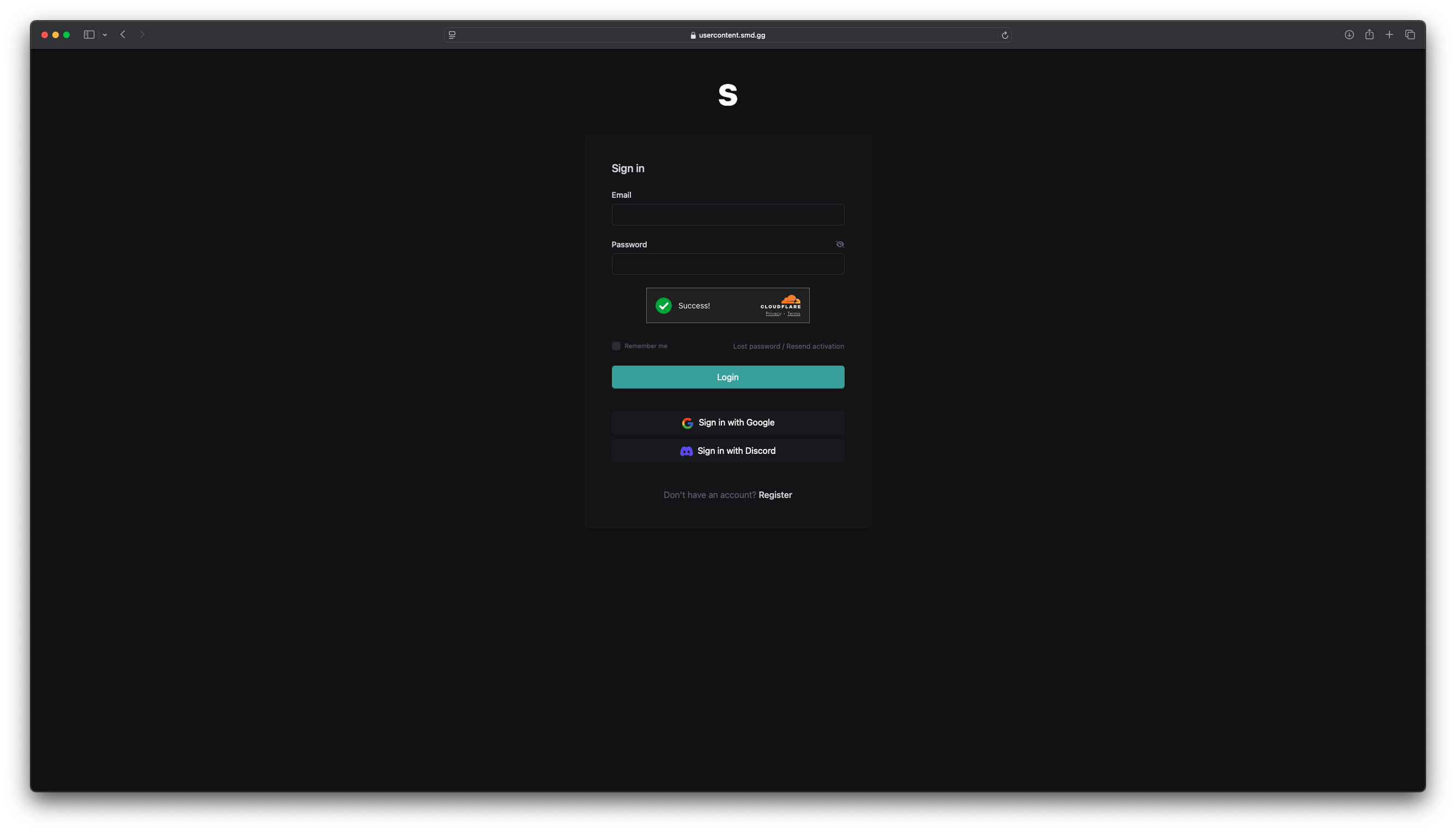 You will now be brought to the dashboard page, on the left hand side select ‘File link’
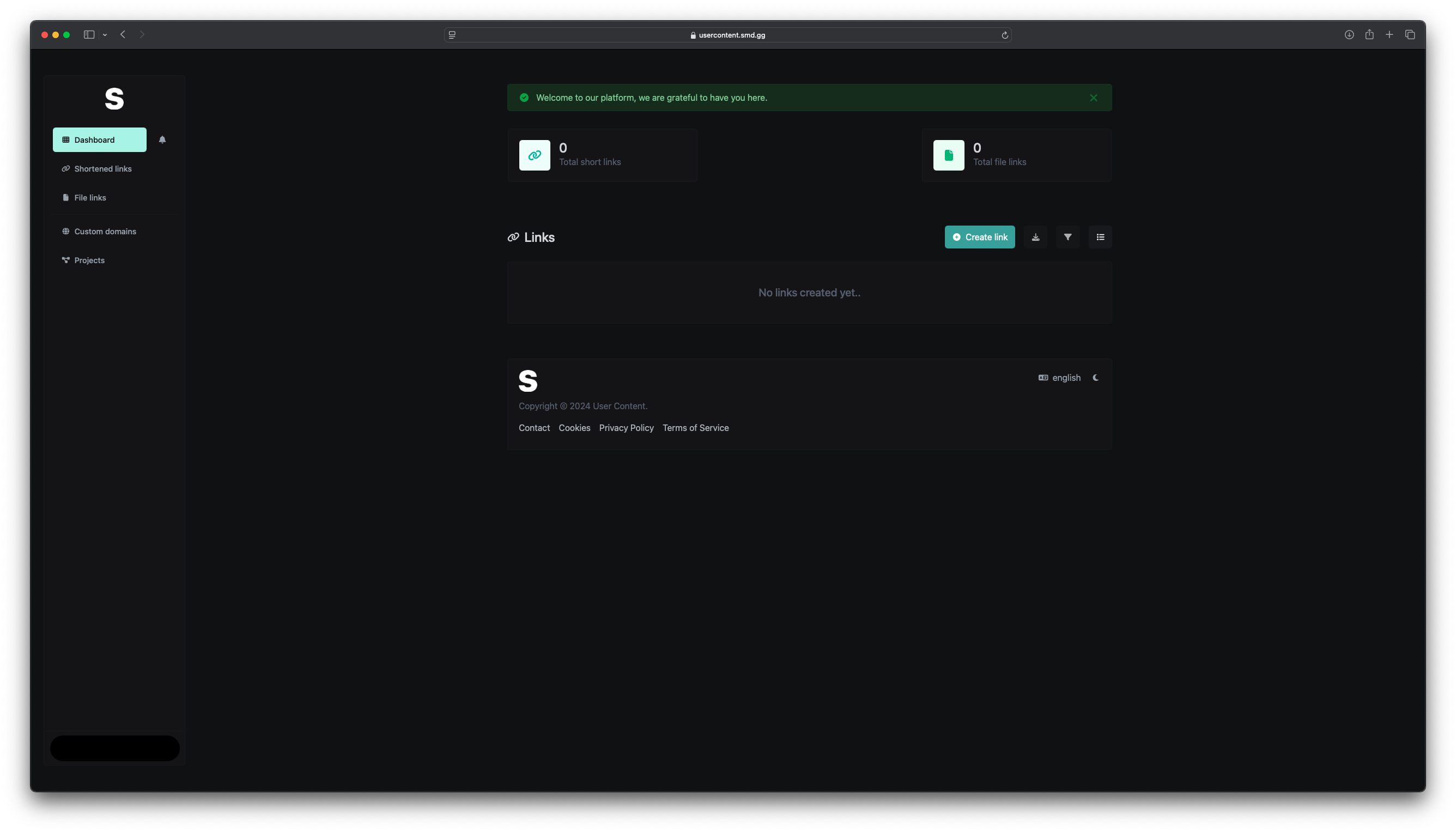 By pressing the ‘New Link’ button in the top right hand side you will be shown a file uploader where you can select your zip file.
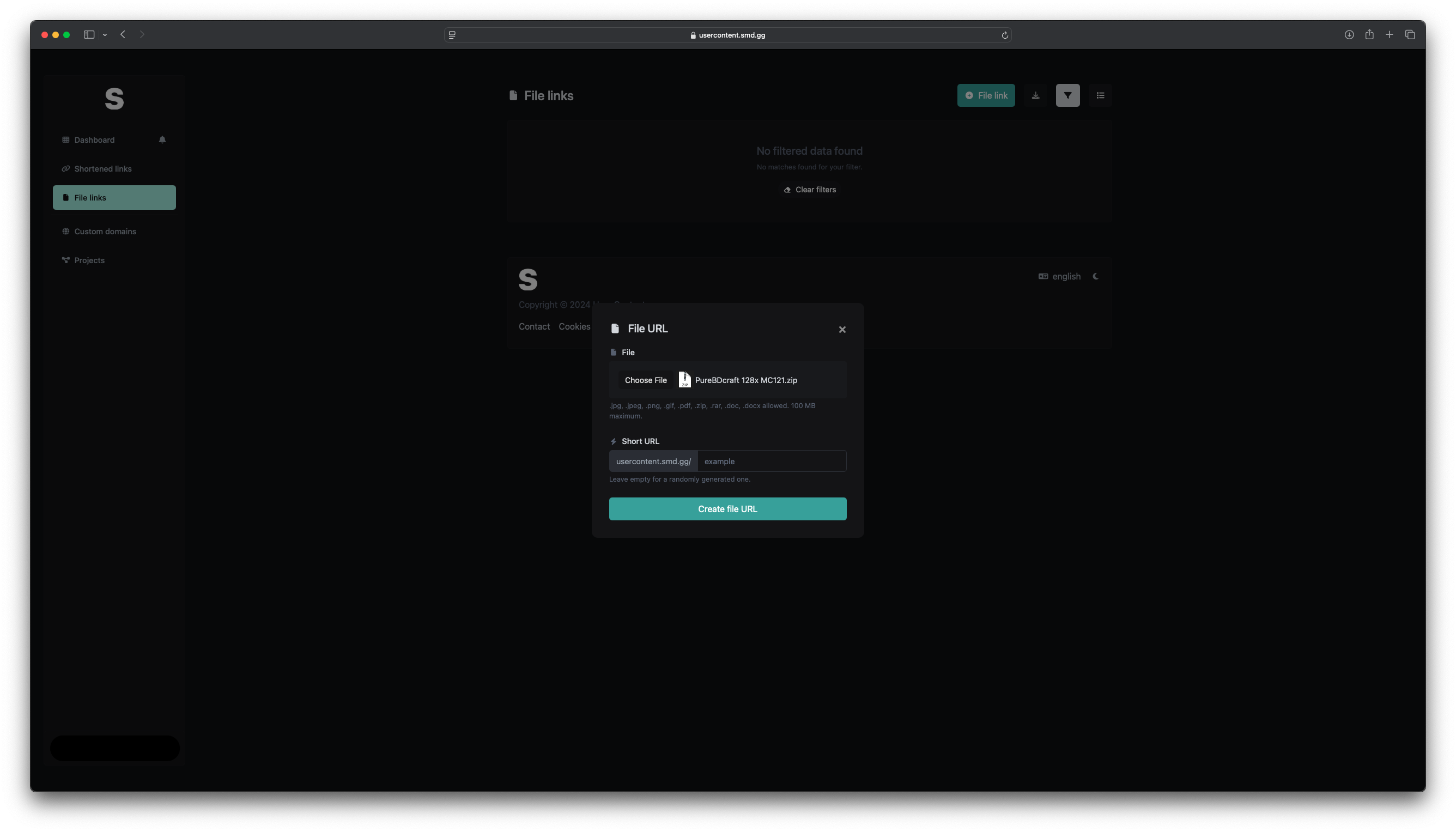 Select ‘create new file URL’ and await for the upload to be completed.
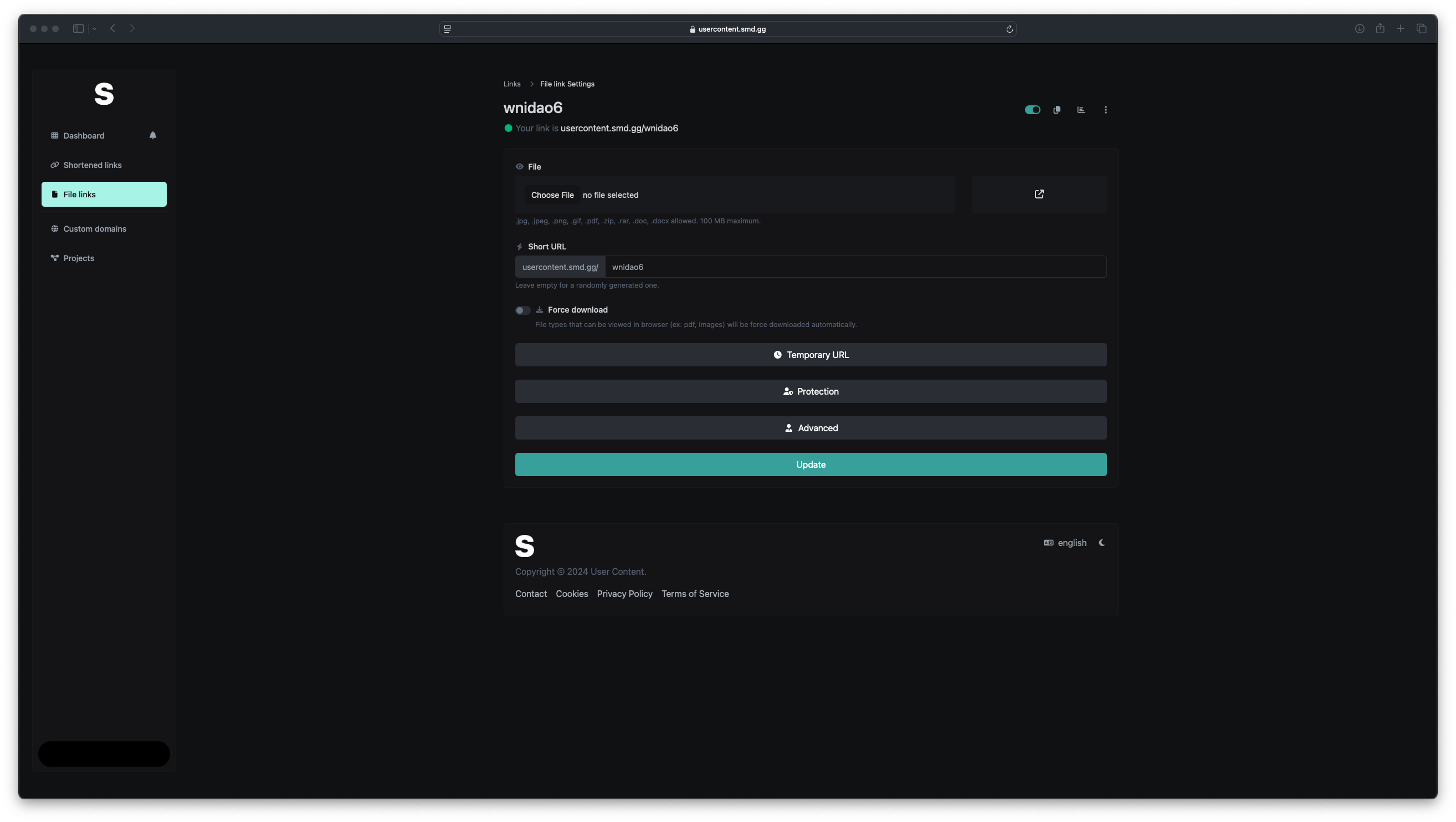 You will then be presented with additional customisation options as well as the URL that needs to be added to your server.properties content.
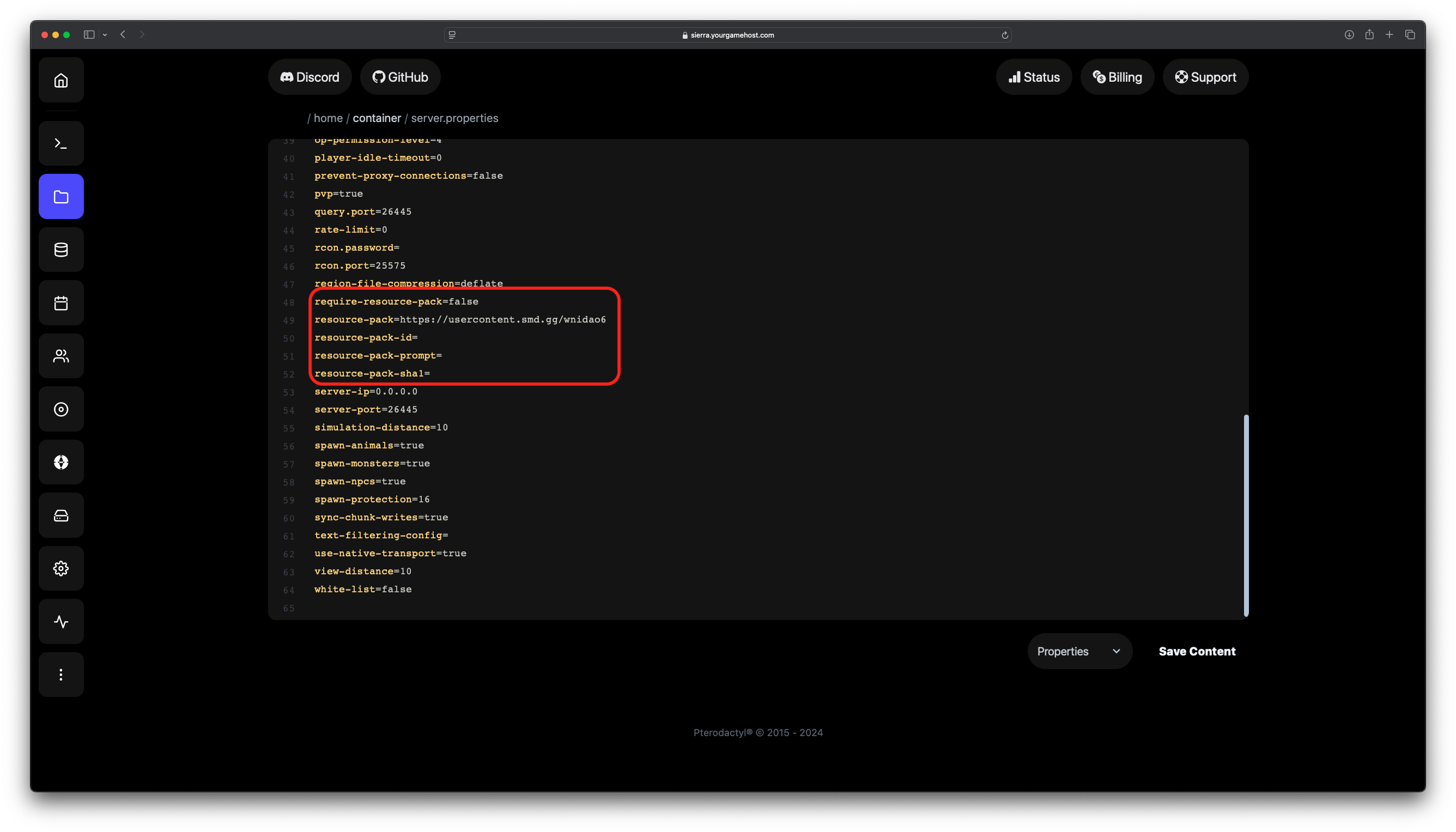 Go into your
 server.properties file and where it has resource-pack paste in the URL provided from the website like so.